Automate your trading with
 BluSky Trading
Use TradersPost to automate TradingView or TrendSpider strategies in your own BluSky Trading brokerage account. Send alerts to TradersPost and we route orders to the account you connect.
- Free 7-day trial
- Set-up in 3 minutes
- Paper account for testing
By continuing, you agree to the TradersPost Terms of Service and Privacy Policy. This site is protected by reCAPTCHA.
Open BluSky Trading account (opens in a new tab)Your strategies. Your accounts. Your rules.
Connect each strategy to your accounts, then choose how it trades in each one.
-
 MNQZ2026 Momentum
Waiting for alertBuy alert received
MNQZ2026 Momentum
Waiting for alertBuy alert received
-
Mean Reversion
Waiting for alertBuy alert received
- New strategy Create new strategy
-
BluSky Trading
$1,218.40
Limit Buy
1x MNQZ2026
-
BluSky Trading
$2,436.80
Limit Buy
2x MNQZ2026
-
BluSky Trading
Paused
Skipped
0.5x MNQZ2026
Ask your agent how our BluSky Trading integration is right for you.




One alert, all your BluSky Trading accounts
2. Sends orders to
BluSky Trading Futures (fixed for this page)

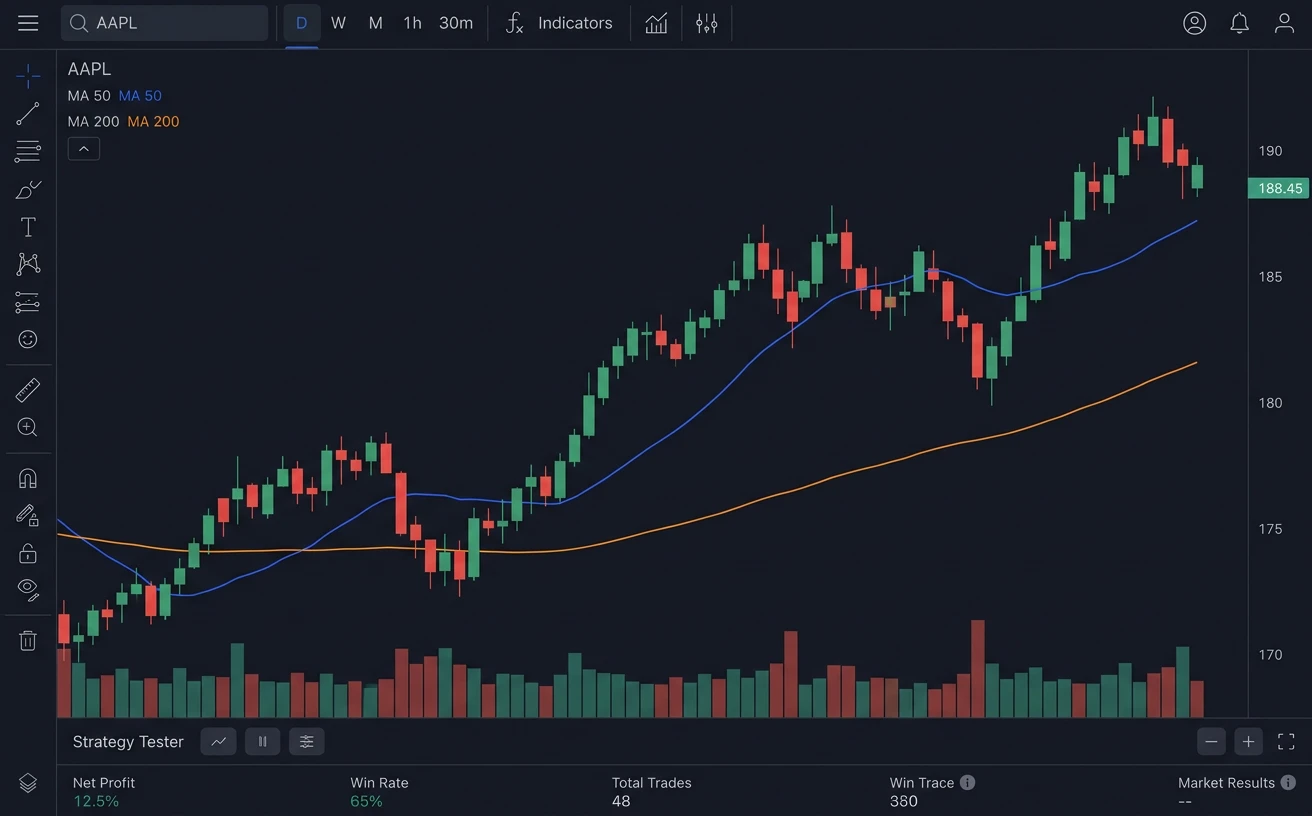
TradingView · Create alert
- Condition
- Momentum strategy · Order fills
- Webhook URL
- webhooks.traderspost.io/trading/webhook/…
Message
{
  "ticker": "{{ticker}}",
  "action": "{{strategy.order.action}}",
  "price": "{{close}}"
}

Signal received
TradingView webhook · buy ESZ2026Accepted
Strategy settingsBuilds the order
- Symbol
- ESZ2026 From signal
- Action
- Buy From signal
- Price
- 6000.25 on the alert From signal
- Quantity
- 1 contract From strategy
- Order type
- Market From strategy
5 orders from one signal
| Account | Order | Status |
|---|---|---|
| BluSky Trading account 1 | Buy 1 ESZ2026 | Sent |
| BluSky Trading account 2 | Buy 1 ESZ2026 | Sent |
| BluSky Trading account 3 | Buy 1 ESZ2026 | Sent |
+ 2 more accounts, same order
A TradingView alert for ESZ2026 reaches TradersPost and becomes a market buy for 1 contract on 5 of your BluSky Trading accounts through Tradovate. The alert also carries a price, because Tradovate sends no quotes.

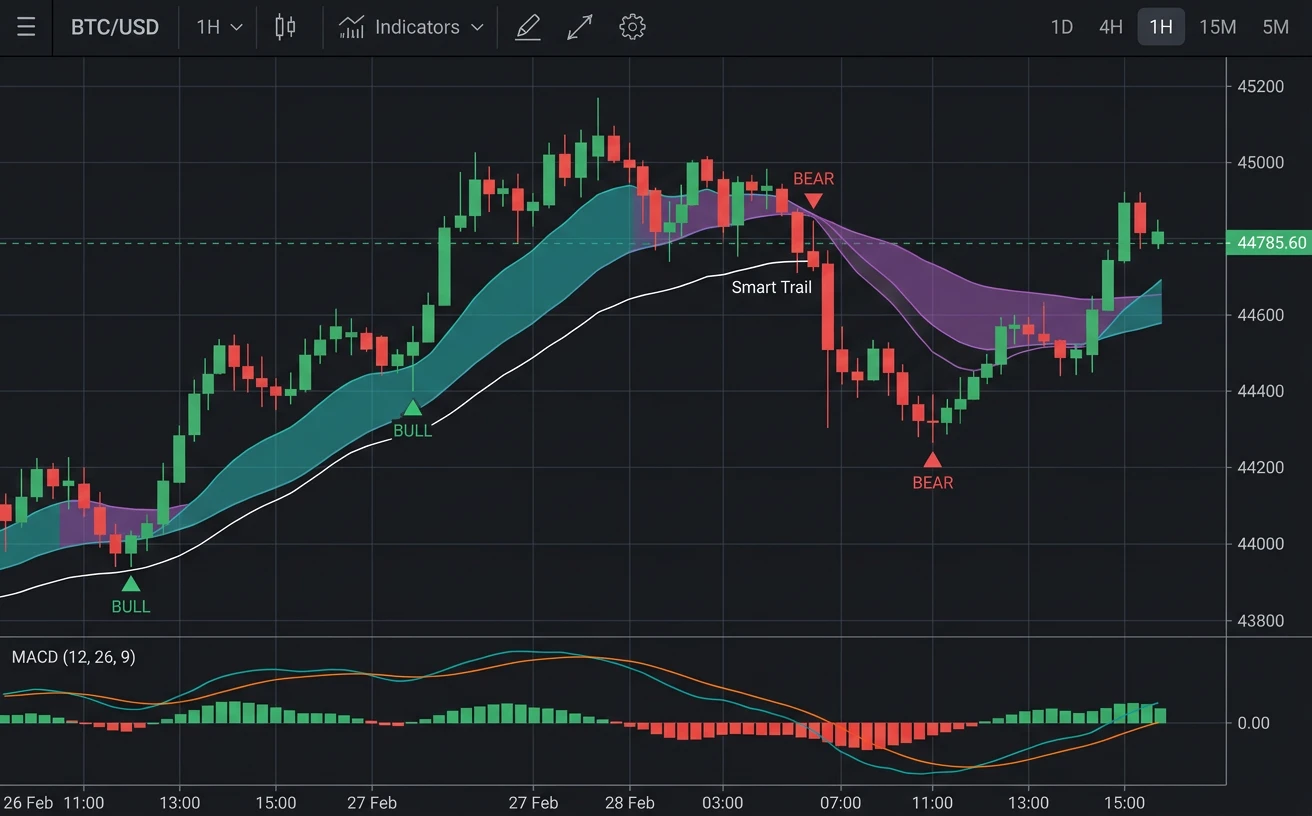
TradingView · Create alert
- Condition
- LuxAlgo indicator · Buy signal
- Webhook URL
- webhooks.traderspost.io/trading/webhook/…
Message
{
  "ticker": "{{ticker}}",
  "action": "buy",
  "price": "{{close}}"
}
Signal received
LuxAlgo webhook · buy ESZ2026Accepted
Strategy settingsBuilds the order
- Symbol
- ESZ2026 From signal
- Action
- Buy From signal
- Price
- 6000.25 on the alert From signal
- Quantity
- 1 contract From strategy
- Order type
- Market From strategy
5 orders from one signal
| Account | Order | Status |
|---|---|---|
| BluSky Trading account 1 | Buy 1 ESZ2026 | Sent |
| BluSky Trading account 2 | Buy 1 ESZ2026 | Sent |
| BluSky Trading account 3 | Buy 1 ESZ2026 | Sent |
+ 2 more accounts, same order
A LuxAlgo indicator alert for ESZ2026 reaches TradersPost and becomes a market buy for 1 contract on 5 of your BluSky Trading accounts through Tradovate. The alert also carries a price, because Tradovate sends no quotes.

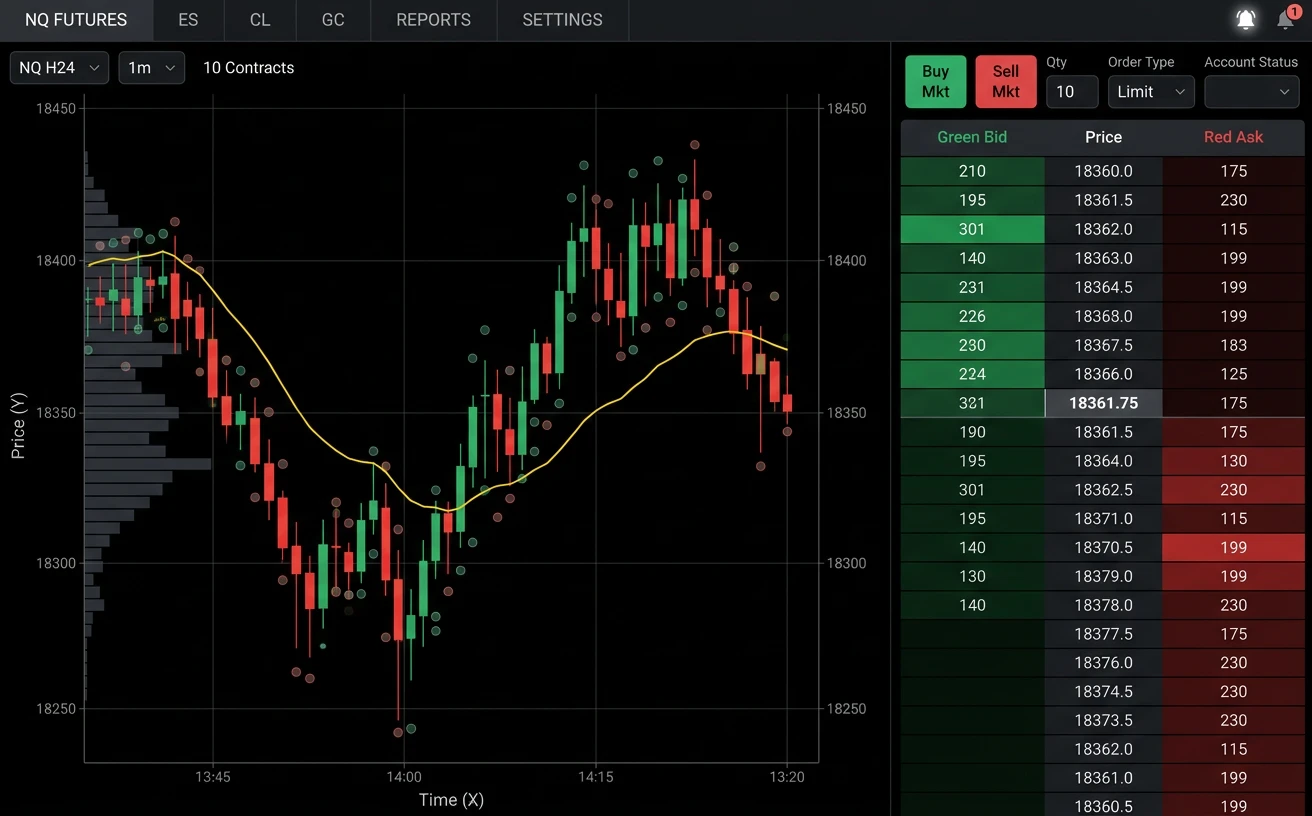
TrendSpider · Bot alert
- Trigger
- Bot signal
- Webhook URL
- webhooks.traderspost.io/trading/webhook/…
Webhook body
{
  "ticker": "ESZ2026",
  "action": "buy",
  "price": "6000.25"
}
Signal received
TrendSpider webhook · buy ESZ2026Accepted
Strategy settingsBuilds the order
- Symbol
- ESZ2026 From signal
- Action
- Buy From signal
- Price
- 6000.25 on the alert From signal
- Quantity
- 1 contract From strategy
- Order type
- Market From strategy
5 orders from one signal
| Account | Order | Status |
|---|---|---|
| BluSky Trading account 1 | Buy 1 ESZ2026 | Sent |
| BluSky Trading account 2 | Buy 1 ESZ2026 | Sent |
| BluSky Trading account 3 | Buy 1 ESZ2026 | Sent |
+ 2 more accounts, same order
A TrendSpider bot alert for ESZ2026 reaches TradersPost and becomes a market buy for 1 contract on 5 of your BluSky Trading accounts through Tradovate. The alert also carries a price, because Tradovate sends no quotes.
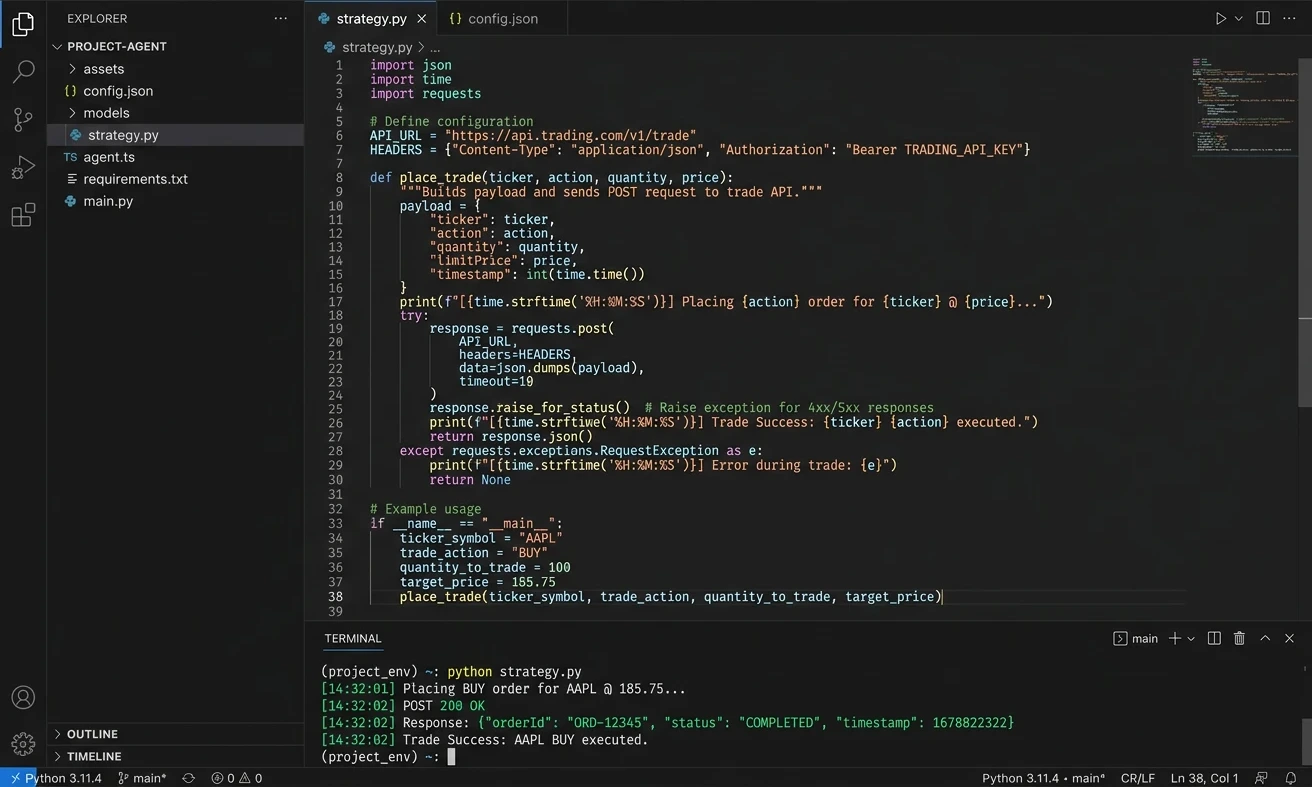
Your code or AI workflow · POST
- Method
- POST
- URL
- webhooks.traderspost.io/trading/webhook/…
Request body
{
  "ticker": "ESZ2026",
  "action": "buy",
  "price": "6000.25"
}
Signal received
Code or AI webhook · buy ESZ2026Accepted
Strategy settingsBuilds the order
- Symbol
- ESZ2026 From signal
- Action
- Buy From signal
- Price
- 6000.25 on the alert From signal
- Quantity
- 1 contract From strategy
- Order type
- Market From strategy
5 orders from one signal
| Account | Order | Status |
|---|---|---|
| BluSky Trading account 1 | Buy 1 ESZ2026 | Sent |
| BluSky Trading account 2 | Buy 1 ESZ2026 | Sent |
| BluSky Trading account 3 | Buy 1 ESZ2026 | Sent |
+ 2 more accounts, same order
A webhook call from your code or AI workflow for ESZ2026 reaches TradersPost and becomes a market buy for 1 contract on 5 of your BluSky Trading accounts through Tradovate. The alert also carries a price, because Tradovate sends no quotes.
BluSky Trading at a glance
Connects through Tradovate, so orders follow what Tradovate supports. Automation and copy trading are firm rules and can change.
- Assets
- Futures
- Prop accounts trade futures
- Automated trading
- Allowed
- Set by the firm
- Copy trading
- Allowed
- Set by the firm
- Complex orders
- Bracket, OTO
- No OCO
- Quantity limits
- You set them
- A maximum for each of up to 25 tickers. An order past it is rejected or reduced to your maximum
- Signal sources
- Any webhook
- Code, automation tools, AI workflows, TradingView
TradersPost sends the orders you configure and does not change or approve a firm's rules. Firm rules from blusky.pro. Connects through Tradovate. Confirm the current policy before you connect.
Connect Tradovate by signing in


-
Choose the broker and confirm
Go to Brokers and choose Tradovate. Tick the box confirming you are authorized to trade the account, then click Connect Tradovate.
-
Sign in on Tradovate's site
You are sent to Tradovate's website, not a TradersPost page. Log in and authorize TradersPost to read balances, positions and orders, and to place and cancel trades.
-
Name it and enable your accounts
You land on the connection page. Name the connection if you like, then enable each account you want TradersPost to trade.
Compare prop firms
Search the firms and filter by platform and policy. Automation and copy trading are each firm's own rules, so check a firm's own policy before you rely on it.
29 prop firms
Platform
Must have
- Allowed
- Conditional
- Not allowed
- Not reviewed




















No prop firm matches all of that
Remove a filter or clear the search.
Set up BluSky Trading
- Documentation Prop firm trading How prop firm accounts connect and which platforms they run on.
- Documentation Tradovate docs Futures only behavior, two-factor approval and signal price notes.
- Connection Tradovate connection What TradersPost sends to a Tradovate account, including paper.
- Overview Compare prop firms Platform, rules and automation policy across the prop firms TradersPost connects to.
Go deeper
- Guide Automated trading with BluSky What can be automated on a BluSky account and where the limits are.
- Guide Connect TradingView to BluSky Sending TradingView alerts to a BluSky account through TradersPost.
- Guide Best trading platforms for BluSky The platforms BluSky accounts run on and which ones TradersPost connects to.
- Guide Execution delays in Tradovate Where delay comes from between an alert and a Tradovate fill.
Ready to automate your BluSky Trading account?
Free 7-day trial
Set-up in 3 minutes
Paper account for testing
By continuing, you agree to the TradersPost Terms of Service and Privacy Policy. This site is protected by reCAPTCHA.
