Automated Trading Bots
A TradersPost trading bot is your strategy, your webhook, and a broker connection you authorize. Send signals from TradingView, your own code, an automation tool, or an AI workflow. TradersPost places the orders. We do not trade your account for you.
- Free 7-day trial
- Set-up in 3 minutes
- Paper account for testing
By continuing, you agree to the TradersPost Terms of Service and Privacy Policy. This site is protected by reCAPTCHA.
Trade signalReceived
{
  "ticker": "MSFT",
  "action": "buy",
  "quantityType": "fixed_quantity",
  "quantity": 4
}
Strategy settings
Asset class
Quantity
Uses the quantity in the signal.
Allowed sides
-
Buy to Open $748.96
 MSFT
4 shares
-
Buy to Open $748.96
 MSFT
4 shares
-
Buy to Open $748.96
 MSFT
4 shares
Ask your agent if building a trading bot is right for you.




Pick a signal source and where it trades
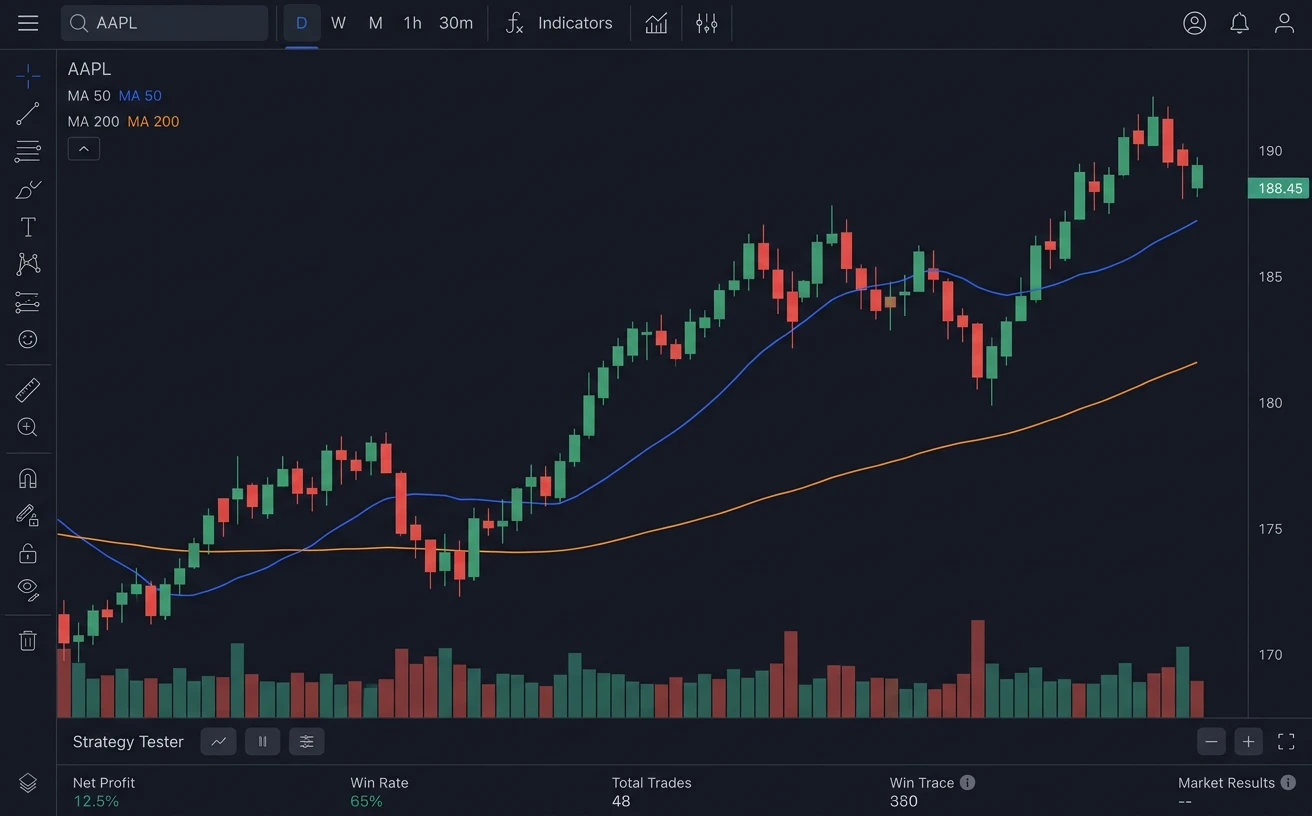
TradingView · Create alert
- Condition
- Momentum strategy · Order fills
- Webhook URL
- webhooks.traderspost.io/trading/webhook/…
Message
{
  "ticker": "{{ticker}}",
  "action": "{{strategy.order.action}}"
}

Signal received
TradingView webhook · buy AAPLAccepted
Strategy settingsBuilds the order
- Symbol
- AAPL From signal
- Action
- Buy From signal
- Quantity
- 10 shares From strategy
- Order type
- Market From strategy
3 orders from one signal
| Account | Order | Status |
|---|---|---|
| Alpaca account 1 | Buy 10 AAPL | Sent |
| Alpaca account 2 | Buy 10 AAPL | Sent |
| Tradier account | Buy 10 AAPL | Sent |
A TradingView alert for AAPL reaches TradersPost and becomes a market buy for 10 shares on 2 Alpaca accounts and 1 Tradier account.

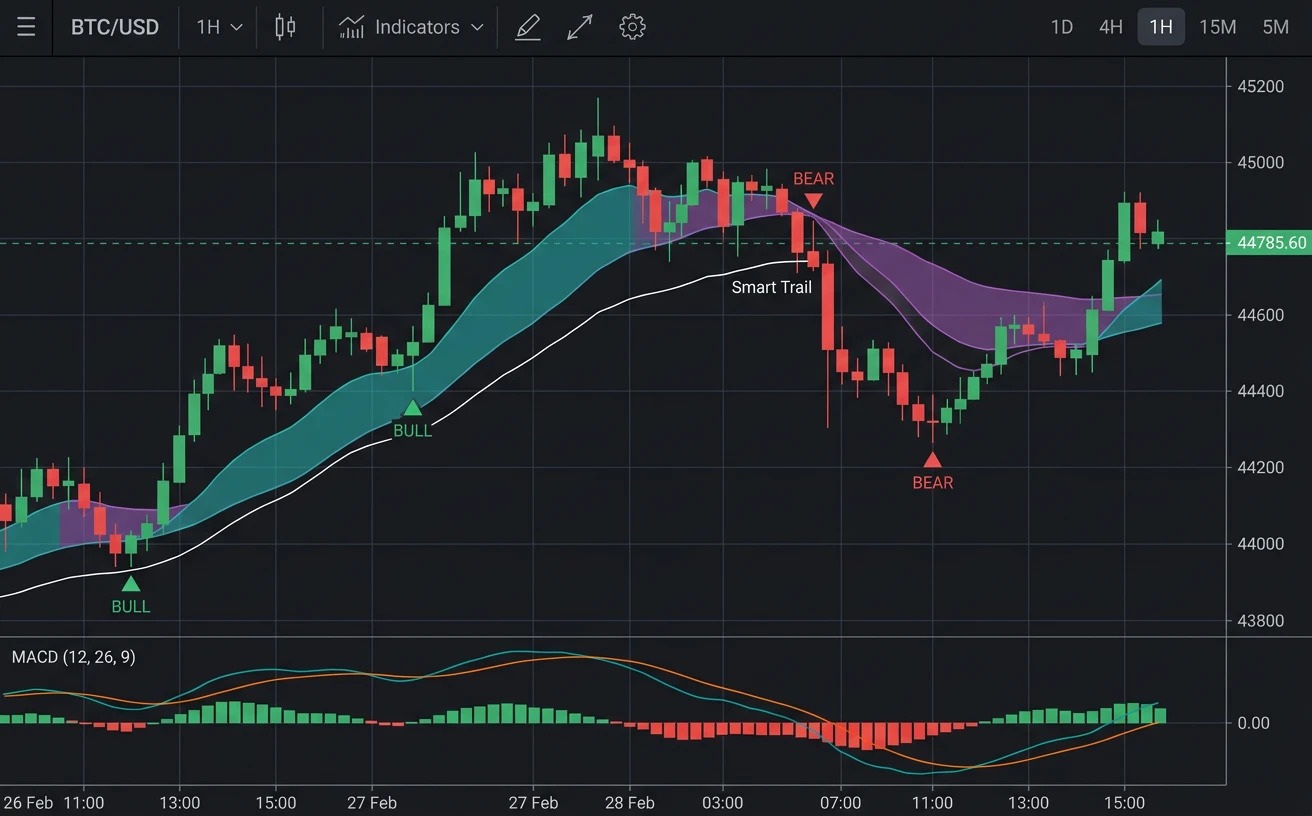
TradingView · Create alert
- Condition
- LuxAlgo indicator · Buy signal
- Webhook URL
- webhooks.traderspost.io/trading/webhook/…
Message
{
  "ticker": "{{ticker}}",
  "action": "buy"
}
Signal received
LuxAlgo webhook · buy AAPLAccepted
Strategy settingsBuilds the order
- Symbol
- AAPL From signal
- Action
- Buy From signal
- Quantity
- 10 shares From strategy
- Order type
- Market From strategy
3 orders from one signal
| Account | Order | Status |
|---|---|---|
| Alpaca account 1 | Buy 10 AAPL | Sent |
| Alpaca account 2 | Buy 10 AAPL | Sent |
| Tradier account | Buy 10 AAPL | Sent |
A LuxAlgo indicator alert for AAPL reaches TradersPost and becomes a market buy for 10 shares on 2 Alpaca accounts and 1 Tradier account.
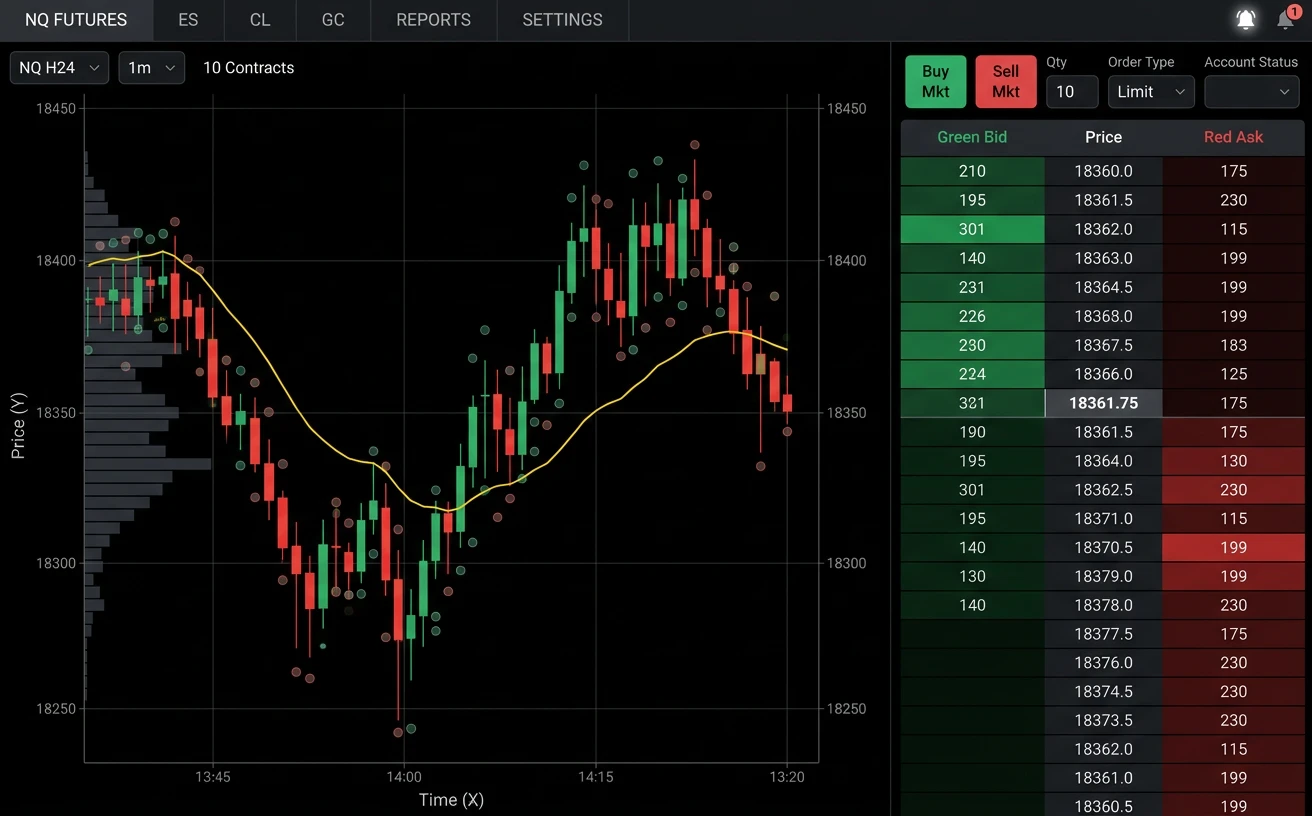
TrendSpider · Bot alert
- Trigger
- Bot signal
- Webhook URL
- webhooks.traderspost.io/trading/webhook/…
Webhook body
{
  "ticker": "AAPL",
  "action": "buy"
}
Signal received
TrendSpider webhook · buy AAPLAccepted
Strategy settingsBuilds the order
- Symbol
- AAPL From signal
- Action
- Buy From signal
- Quantity
- 10 shares From strategy
- Order type
- Market From strategy
3 orders from one signal
| Account | Order | Status |
|---|---|---|
| Alpaca account 1 | Buy 10 AAPL | Sent |
| Alpaca account 2 | Buy 10 AAPL | Sent |
| Tradier account | Buy 10 AAPL | Sent |
A TrendSpider bot alert for AAPL reaches TradersPost and becomes a market buy for 10 shares on 2 Alpaca accounts and 1 Tradier account.
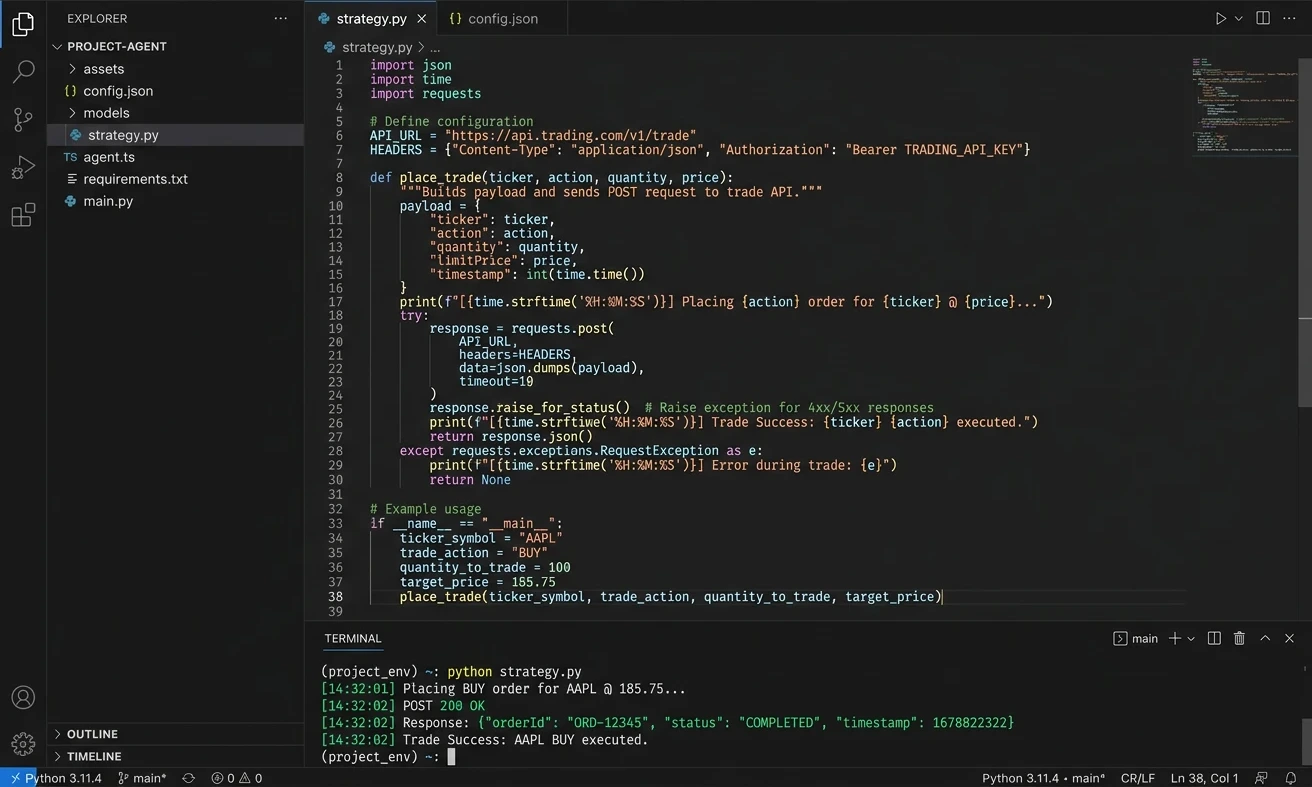
Your code or AI workflow · POST
- Method
- POST
- URL
- webhooks.traderspost.io/trading/webhook/…
Request body
{
  "ticker": "AAPL",
  "action": "buy"
}
Signal received
Code or AI webhook · buy AAPLAccepted
Strategy settingsBuilds the order
- Symbol
- AAPL From signal
- Action
- Buy From signal
- Quantity
- 10 shares From strategy
- Order type
- Market From strategy
3 orders from one signal
| Account | Order | Status |
|---|---|---|
| Alpaca account 1 | Buy 10 AAPL | Sent |
| Alpaca account 2 | Buy 10 AAPL | Sent |
| Tradier account | Buy 10 AAPL | Sent |
A webhook call from your code or AI workflow for AAPL reaches TradersPost and becomes a market buy for 10 shares on 2 Alpaca accounts and 1 Tradier account.
TradingView · Create alert
- Condition
- Momentum strategy · Order fills
- Webhook URL
- webhooks.traderspost.io/trading/webhook/…
Message
{
  "ticker": "{{ticker}}",
  "action": "{{strategy.order.action}}"
}
Signal received
TradingView webhook · buy AAPL 270115C200Accepted
Strategy settingsBuilds the order
- Symbol
- AAPL 270115C200 becomes AAPL 270115C00200000 From signal
- Action
- Buy From signal
- Quantity
- 1 contract From strategy
- Order type
- Market From strategy
3 orders from one signal
| Account | Order | Status |
|---|---|---|
| tastytrade account 1 | Buy 1 AAPL 270115C00200000 | Sent |
| tastytrade account 2 | Buy 1 AAPL 270115C00200000 | Sent |
| Tradier account | Buy 1 AAPL270115C00200000 | Sent |
A TradingView alert for AAPL 270115C200 reaches TradersPost, which sends it to tastytrade as AAPL 270115C00200000, and becomes a market buy for 1 contract on 2 tastytrade accounts and 1 Tradier account.
TradingView · Create alert
- Condition
- LuxAlgo indicator · Buy signal
- Webhook URL
- webhooks.traderspost.io/trading/webhook/…
Message
{
  "ticker": "{{ticker}}",
  "action": "buy"
}
Signal received
LuxAlgo webhook · buy AAPL 270115C200Accepted
Strategy settingsBuilds the order
- Symbol
- AAPL 270115C200 becomes AAPL 270115C00200000 From signal
- Action
- Buy From signal
- Quantity
- 1 contract From strategy
- Order type
- Market From strategy
3 orders from one signal
| Account | Order | Status |
|---|---|---|
| tastytrade account 1 | Buy 1 AAPL 270115C00200000 | Sent |
| tastytrade account 2 | Buy 1 AAPL 270115C00200000 | Sent |
| Tradier account | Buy 1 AAPL270115C00200000 | Sent |
A LuxAlgo indicator alert for AAPL 270115C200 reaches TradersPost, which sends it to tastytrade as AAPL 270115C00200000, and becomes a market buy for 1 contract on 2 tastytrade accounts and 1 Tradier account.
TrendSpider · Bot alert
- Trigger
- Bot signal
- Webhook URL
- webhooks.traderspost.io/trading/webhook/…
Webhook body
{
  "ticker": "AAPL 270115C200",
  "action": "buy"
}
Signal received
TrendSpider webhook · buy AAPL 270115C200Accepted
Strategy settingsBuilds the order
- Symbol
- AAPL 270115C200 becomes AAPL 270115C00200000 From signal
- Action
- Buy From signal
- Quantity
- 1 contract From strategy
- Order type
- Market From strategy
3 orders from one signal
| Account | Order | Status |
|---|---|---|
| tastytrade account 1 | Buy 1 AAPL 270115C00200000 | Sent |
| tastytrade account 2 | Buy 1 AAPL 270115C00200000 | Sent |
| Tradier account | Buy 1 AAPL270115C00200000 | Sent |
A TrendSpider bot alert for AAPL 270115C200 reaches TradersPost, which sends it to tastytrade as AAPL 270115C00200000, and becomes a market buy for 1 contract on 2 tastytrade accounts and 1 Tradier account.
Your code or AI workflow · POST
- Method
- POST
- URL
- webhooks.traderspost.io/trading/webhook/…
Request body
{
  "ticker": "AAPL 270115C200",
  "action": "buy"
}
Signal received
Code or AI webhook · buy AAPL 270115C200Accepted
Strategy settingsBuilds the order
- Symbol
- AAPL 270115C200 becomes AAPL 270115C00200000 From signal
- Action
- Buy From signal
- Quantity
- 1 contract From strategy
- Order type
- Market From strategy
3 orders from one signal
| Account | Order | Status |
|---|---|---|
| tastytrade account 1 | Buy 1 AAPL 270115C00200000 | Sent |
| tastytrade account 2 | Buy 1 AAPL 270115C00200000 | Sent |
| Tradier account | Buy 1 AAPL270115C00200000 | Sent |
A webhook call from your code or AI workflow for AAPL 270115C200 reaches TradersPost, which sends it to tastytrade as AAPL 270115C00200000, and becomes a market buy for 1 contract on 2 tastytrade accounts and 1 Tradier account.
TradingView · Create alert
- Condition
- Momentum strategy · Order fills
- Webhook URL
- webhooks.traderspost.io/trading/webhook/…
Message
{
  "ticker": "{{ticker}}",
  "action": "{{strategy.order.action}}",
  "price": "{{close}}"
}
Signal received
TradingView webhook · buy ESH2027Accepted
Strategy settingsBuilds the order
- Symbol
- ESH2027 From signal
- Action
- Buy From signal
- Price
- 6000.25 on the alert From signal
- Quantity
- 1 contract From strategy
- Order type
- Market From strategy
3 orders from one signal
| Account | Order | Status |
|---|---|---|
| Tradovate account 1 | Buy 1 ESH2027 | Sent |
| Tradovate account 2 | Buy 1 ESH2027 | Sent |
| TradeStation account | Buy 1 ESH27 | Sent |
A TradingView alert for ESH2027 reaches TradersPost and becomes a market buy for 1 contract on 2 Tradovate accounts and 1 TradeStation account. The alert also carries a price, because Tradovate sends no quotes.
TradingView · Create alert
- Condition
- LuxAlgo indicator · Buy signal
- Webhook URL
- webhooks.traderspost.io/trading/webhook/…
Message
{
  "ticker": "{{ticker}}",
  "action": "buy",
  "price": "{{close}}"
}
Signal received
LuxAlgo webhook · buy ESH2027Accepted
Strategy settingsBuilds the order
- Symbol
- ESH2027 From signal
- Action
- Buy From signal
- Price
- 6000.25 on the alert From signal
- Quantity
- 1 contract From strategy
- Order type
- Market From strategy
3 orders from one signal
| Account | Order | Status |
|---|---|---|
| Tradovate account 1 | Buy 1 ESH2027 | Sent |
| Tradovate account 2 | Buy 1 ESH2027 | Sent |
| TradeStation account | Buy 1 ESH27 | Sent |
A LuxAlgo indicator alert for ESH2027 reaches TradersPost and becomes a market buy for 1 contract on 2 Tradovate accounts and 1 TradeStation account. The alert also carries a price, because Tradovate sends no quotes.
TrendSpider · Bot alert
- Trigger
- Bot signal
- Webhook URL
- webhooks.traderspost.io/trading/webhook/…
Webhook body
{
  "ticker": "ESH2027",
  "action": "buy",
  "price": "6000.25"
}
Signal received
TrendSpider webhook · buy ESH2027Accepted
Strategy settingsBuilds the order
- Symbol
- ESH2027 From signal
- Action
- Buy From signal
- Price
- 6000.25 on the alert From signal
- Quantity
- 1 contract From strategy
- Order type
- Market From strategy
3 orders from one signal
| Account | Order | Status |
|---|---|---|
| Tradovate account 1 | Buy 1 ESH2027 | Sent |
| Tradovate account 2 | Buy 1 ESH2027 | Sent |
| TradeStation account | Buy 1 ESH27 | Sent |
A TrendSpider bot alert for ESH2027 reaches TradersPost and becomes a market buy for 1 contract on 2 Tradovate accounts and 1 TradeStation account. The alert also carries a price, because Tradovate sends no quotes.
Your code or AI workflow · POST
- Method
- POST
- URL
- webhooks.traderspost.io/trading/webhook/…
Request body
{
  "ticker": "ESH2027",
  "action": "buy",
  "price": "6000.25"
}
Signal received
Code or AI webhook · buy ESH2027Accepted
Strategy settingsBuilds the order
- Symbol
- ESH2027 From signal
- Action
- Buy From signal
- Price
- 6000.25 on the alert From signal
- Quantity
- 1 contract From strategy
- Order type
- Market From strategy
3 orders from one signal
| Account | Order | Status |
|---|---|---|
| Tradovate account 1 | Buy 1 ESH2027 | Sent |
| Tradovate account 2 | Buy 1 ESH2027 | Sent |
| TradeStation account | Buy 1 ESH27 | Sent |
A webhook call from your code or AI workflow for ESH2027 reaches TradersPost and becomes a market buy for 1 contract on 2 Tradovate accounts and 1 TradeStation account. The alert also carries a price, because Tradovate sends no quotes.
TradingView · Create alert
- Condition
- Momentum strategy · Order fills
- Webhook URL
- webhooks.traderspost.io/trading/webhook/…
Message
{
  "ticker": "{{ticker}}",
  "action": "{{strategy.order.action}}",
  "price": "{{close}}"
}
Signal received
TradingView webhook · buy ESH2027Accepted
Strategy settingsBuilds the order
- Symbol
- ESH2027 From signal
- Action
- Buy From signal
- Price
- 6000.25 on the alert From signal
- Quantity
- 1 contract From strategy
- Order type
- Market From strategy
5 orders from one signal

| Account | Order | Status |
|---|---|---|
| Lucid Trading account 1 | Buy 1 ESH2027 | Sent |
| Lucid Trading account 2 | Buy 1 ESH2027 | Sent |
| Lucid Trading account 3 | Buy 1 ESH2027 | Sent |
+ 2 more accounts, same order
A TradingView alert for ESH2027 reaches TradersPost and becomes a market buy for 1 contract on 5 of your Lucid Trading accounts through Tradovate. The alert also carries a price, because Tradovate sends no quotes.
TradingView · Create alert
- Condition
- LuxAlgo indicator · Buy signal
- Webhook URL
- webhooks.traderspost.io/trading/webhook/…
Message
{
  "ticker": "{{ticker}}",
  "action": "buy",
  "price": "{{close}}"
}
Signal received
LuxAlgo webhook · buy ESH2027Accepted
Strategy settingsBuilds the order
- Symbol
- ESH2027 From signal
- Action
- Buy From signal
- Price
- 6000.25 on the alert From signal
- Quantity
- 1 contract From strategy
- Order type
- Market From strategy
5 orders from one signal
| Account | Order | Status |
|---|---|---|
| Lucid Trading account 1 | Buy 1 ESH2027 | Sent |
| Lucid Trading account 2 | Buy 1 ESH2027 | Sent |
| Lucid Trading account 3 | Buy 1 ESH2027 | Sent |
+ 2 more accounts, same order
A LuxAlgo indicator alert for ESH2027 reaches TradersPost and becomes a market buy for 1 contract on 5 of your Lucid Trading accounts through Tradovate. The alert also carries a price, because Tradovate sends no quotes.
TrendSpider · Bot alert
- Trigger
- Bot signal
- Webhook URL
- webhooks.traderspost.io/trading/webhook/…
Webhook body
{
  "ticker": "ESH2027",
  "action": "buy",
  "price": "6000.25"
}
Signal received
TrendSpider webhook · buy ESH2027Accepted
Strategy settingsBuilds the order
- Symbol
- ESH2027 From signal
- Action
- Buy From signal
- Price
- 6000.25 on the alert From signal
- Quantity
- 1 contract From strategy
- Order type
- Market From strategy
5 orders from one signal
| Account | Order | Status |
|---|---|---|
| Lucid Trading account 1 | Buy 1 ESH2027 | Sent |
| Lucid Trading account 2 | Buy 1 ESH2027 | Sent |
| Lucid Trading account 3 | Buy 1 ESH2027 | Sent |
+ 2 more accounts, same order
A TrendSpider bot alert for ESH2027 reaches TradersPost and becomes a market buy for 1 contract on 5 of your Lucid Trading accounts through Tradovate. The alert also carries a price, because Tradovate sends no quotes.
Your code or AI workflow · POST
- Method
- POST
- URL
- webhooks.traderspost.io/trading/webhook/…
Request body
{
  "ticker": "ESH2027",
  "action": "buy",
  "price": "6000.25"
}
Signal received
Code or AI webhook · buy ESH2027Accepted
Strategy settingsBuilds the order
- Symbol
- ESH2027 From signal
- Action
- Buy From signal
- Price
- 6000.25 on the alert From signal
- Quantity
- 1 contract From strategy
- Order type
- Market From strategy
5 orders from one signal
| Account | Order | Status |
|---|---|---|
| Lucid Trading account 1 | Buy 1 ESH2027 | Sent |
| Lucid Trading account 2 | Buy 1 ESH2027 | Sent |
| Lucid Trading account 3 | Buy 1 ESH2027 | Sent |
+ 2 more accounts, same order
A webhook call from your code or AI workflow for ESH2027 reaches TradersPost and becomes a market buy for 1 contract on 5 of your Lucid Trading accounts through Tradovate. The alert also carries a price, because Tradovate sends no quotes.
TradingView · Create alert
- Condition
- Momentum strategy · Order fills
- Webhook URL
- webhooks.traderspost.io/trading/webhook/…
Message
{
  "ticker": "{{ticker}}",
  "action": "{{strategy.order.action}}"
}
Signal received
TradingView webhook · buy BTC-USDAccepted
Strategy settingsBuilds the order
- Symbol
- BTC-USD becomes BTCUSD From signal
- Action
- Buy From signal
- Quantity
- 0.01 BTC From strategy
- Order type
- Market From strategy
3 orders from one signal
| Account | Order | Status |
|---|---|---|
| Kraken account 1 | Buy 0.01 BTCUSD | Sent |
| Kraken account 2 | Buy 0.01 BTCUSD | Sent |
| Coinbase account | Buy 0.01 BTC-USD | Sent |
A TradingView alert for BTC-USD reaches TradersPost, which sends it to Kraken as BTCUSD, and becomes a market buy for 0.01 BTC on 2 Kraken accounts and 1 Coinbase account.
TradingView · Create alert
- Condition
- LuxAlgo indicator · Buy signal
- Webhook URL
- webhooks.traderspost.io/trading/webhook/…
Message
{
  "ticker": "{{ticker}}",
  "action": "buy"
}
Signal received
LuxAlgo webhook · buy BTC-USDAccepted
Strategy settingsBuilds the order
- Symbol
- BTC-USD becomes BTCUSD From signal
- Action
- Buy From signal
- Quantity
- 0.01 BTC From strategy
- Order type
- Market From strategy
3 orders from one signal
| Account | Order | Status |
|---|---|---|
| Kraken account 1 | Buy 0.01 BTCUSD | Sent |
| Kraken account 2 | Buy 0.01 BTCUSD | Sent |
| Coinbase account | Buy 0.01 BTC-USD | Sent |
A LuxAlgo indicator alert for BTC-USD reaches TradersPost, which sends it to Kraken as BTCUSD, and becomes a market buy for 0.01 BTC on 2 Kraken accounts and 1 Coinbase account.
TrendSpider · Bot alert
- Trigger
- Bot signal
- Webhook URL
- webhooks.traderspost.io/trading/webhook/…
Webhook body
{
  "ticker": "BTC-USD",
  "action": "buy"
}
Signal received
TrendSpider webhook · buy BTC-USDAccepted
Strategy settingsBuilds the order
- Symbol
- BTC-USD becomes BTCUSD From signal
- Action
- Buy From signal
- Quantity
- 0.01 BTC From strategy
- Order type
- Market From strategy
3 orders from one signal
| Account | Order | Status |
|---|---|---|
| Kraken account 1 | Buy 0.01 BTCUSD | Sent |
| Kraken account 2 | Buy 0.01 BTCUSD | Sent |
| Coinbase account | Buy 0.01 BTC-USD | Sent |
A TrendSpider bot alert for BTC-USD reaches TradersPost, which sends it to Kraken as BTCUSD, and becomes a market buy for 0.01 BTC on 2 Kraken accounts and 1 Coinbase account.
Your code or AI workflow · POST
- Method
- POST
- URL
- webhooks.traderspost.io/trading/webhook/…
Request body
{
  "ticker": "BTC-USD",
  "action": "buy"
}
Signal received
Code or AI webhook · buy BTC-USDAccepted
Strategy settingsBuilds the order
- Symbol
- BTC-USD becomes BTCUSD From signal
- Action
- Buy From signal
- Quantity
- 0.01 BTC From strategy
- Order type
- Market From strategy
3 orders from one signal
| Account | Order | Status |
|---|---|---|
| Kraken account 1 | Buy 0.01 BTCUSD | Sent |
| Kraken account 2 | Buy 0.01 BTCUSD | Sent |
| Coinbase account | Buy 0.01 BTC-USD | Sent |
A webhook call from your code or AI workflow for BTC-USD reaches TradersPost, which sends it to Kraken as BTCUSD, and becomes a market buy for 0.01 BTC on 2 Kraken accounts and 1 Coinbase account.
Follow one alert from chart to broker order
TradersPost is plumbing between a signal you control and a brokerage account you own. It is automated trading software, not a broker and not a managed-account service.
In practice
One stock signal, every connected account
-
1
Connect your brokers You
Sign in to each broker from Brokers in TradersPost and choose the account to trade. You can connect several accounts, including at different brokers.
-
2
Subscribe each account to the strategy You
One subscription per account. Each one sets its own quantity and order type. Nothing trades until a signal arrives, and you can pause a subscription without touching the strategy.
- Alpaca live
- 100 shares · limit 189.50 · day
- Alpaca paper
- 500 shares · limit 189.50 · gtc
- TradeStation
- 50 shares · market · day
-
3
Send a signal from anywhere You
POST this JSON to the strategy's webhook URL from your own script, an AI agent, a charting alert, or anything else that can make an HTTP request.
Signal sources · How TradingView fills these fields
Signal JSON
{ "ticker": "AAPL", "action": "buy", "price": "189.50" } -
4
Interprets the signal TradersPost
The signal fields are shared by every subscription. Anything the signal leaves out comes from each subscription.
- "ticker"
- Symbol AAPL
- "action"
- Side Buy
- "price"
- Limit price 189.50
- none
- Quantity and order type, from each subscription
-
5
Submits an order to every subscribed account TradersPost
Each subscription places its own order. The result, accepted or rejected with the broker's reason, is recorded in the trade log.
- Alpaca live BUY AAPL 100 shares · limit 189.50 · day Submitted
- Alpaca paper BUY AAPL 500 shares · limit 189.50 · gtc Submitted
- TradeStation BUY AAPL 50 shares · market · day Submitted
When a webhook layer makes sense
You can write directly to a broker API. TradersPost exists for the case where one payload should reach different brokers without you operating each integration.
With a webhook layer
- What your script does
- Posts the same JSON wherever the order ends up
- Moving a strategy to another broker, or running it on two
- A subscription change
- Token refresh, symbol maps and broker order rules
- Handled by each connection
- A good fit when
- One signal should reach different brokers or accounts
Going direct to broker APIs
- What your script does
- Calls each broker's own API
- Moving a strategy to another broker, or running it on two
- A rewrite
- Token refresh, symbol maps and broker order rules
- You own them for every broker
- A good fit when
- You already run infrastructure and trade at one venue
How broker rules differ, for example:
- Robinhood: no bracket orders
- Interactive Brokers: one active login per username
- Tradovate: no quotes to price from
The connection pages list these broker by broker.
What usually breaks an automated order
Most failed webhooks are configuration, not mystery. These are the cases where the JSON looks fine and the broker still rejects the order or never sees it.
-
The symbol is not the broker's symbol
A chart ticker is not always a broker ticker. Futures roots and option contracts need an explicit symbol TradersPost can normalize. An empty or rejected trade log usually starts here.
-
One bar fires two alerts
TradingView can fire more than once for the same bar. Design the alert so one signal maps to one intended order, and prefer a strategy alert over several overlapping indicator alerts on the same ticker.
-
The broker session is elsewhere
Some broker APIs allow one login at a time or go offline for a daily reset. A signal that arrives while the session is in use elsewhere, or inside that window, can fail even though the JSON is valid.
-
There is no price to calculate from
Connections that do not provide quotes need a price on the signal to size limit and bracket prices. Tradovate is the documented case: without a price, TradersPost may send a market order instead.
Brokers a bot can trade
Send orders to brokerage accounts you connect. Each connection page lists the asset classes, paper/live mode, and limits for that API.
-
 Tradovate
Futures
-
 TradeStation
Stocks · Stock Options · Index Options · Futures
-
Alpaca
Stocks · Crypto · Stock Options
-
 Interactive Brokers
Beta
Stocks
-
 ProjectX
Futures
-
 NinjaTrader
Futures
-
Robinhood
Stocks
-
 tastytrade
Stocks · Futures · Crypto · Stock Options · Index Options
-
 Webull
Stocks
-
 E*TRADE
Stocks · Stock Options · Index Options
-
Tradier
Stocks · Stock Options · Index Options
-
 Coinbase
Crypto
-
 Kraken
Crypto
-
 Binance
Crypto
-
 Bybit
Crypto
-
 Public.com
Beta
Stocks · Stock Options · Index Options · Crypto
-
 Crypto.com
Beta
Crypto
-
 Clear Street
Beta
Stocks · Stock Options
-
 Moomoo
Beta
Stocks · Stock Options · Index Options
-
 TradersPost Paper
Stocks · Stock Options · Index Options · Futures · Crypto
Start building
- Overview Signal sources TradingView, TrendSpider, your own code, automation tools, or an AI workflow: anything that can send JSON.
- Overview Supported connections Brokers and exchanges TradersPost can send orders to, with each one's limits.
- Overview Asset classes Stocks, options, futures, and crypto: symbols, order rules, and brokers.
- Documentation Webhook JSON reference Every field a signal can send, and the validation errors you can hit.
- Documentation Signal speed The four phases between an alert firing and an order filling, and which ones TradersPost controls.
Go deeper
All-in-One Trading Bot Platform
TradersPost streamlines your trading process. Choose your preferred broker from our list, connect your strategies, and start automating your trades effortlessly!
- Backtesting
- Backtest your strategies using popular charting software like TradingView or TrendSpider.
-
 TradingView
- Place orders directly in your broker from TradingView strategies.
-
 TrendSpider
- Place orders directly in your broker from TrendSpider strategies.
- Paper Trading
- Paper trade free for 7 days to test your trading strategies with TradersPost.
- Webhooks
- Send your trading signals to TradersPost from easy to use webhooks.
- Notifications
- Get notifications from your automated trading strategies.
- Trade your IRA
- Trade your retirement accounts with automated trading strategies.
- Multiple Asset Classes
- Trade multiple asset classes like stocks, options and futures from automated trading strategy strategies.
- Multiple Accounts
- Run your automated trading strategies in multiple accounts from one unified interface.
- Unified Trading UI
- Manage all your trading activites across multiple accounts from one easy to use user interface.
- Mobile Friendly
- TradersPost works great on mobile devices too in addition to the desktop.
- Broker API
- Unified and standardized Broker API that makes it easy to build trading functionality in to your application.
Automated trading bots, answered
What is an automated trading bot on TradersPost?
A TradersPost trading bot is your strategy plus a webhook plus a broker connection you control. Charting software or your own code decides when to fire. TradersPost sends the resulting orders to your account. It is not a hosted black-box bot and not a copy-trading product.
Is TradersPost an automated trading platform or a broker?
TradersPost is trade-automation software. We are not a broker-dealer, not an RIA, and we do not hold customer funds. You keep the brokerage account, credentials, and kill switch.
How does TradingView webhook automation work?
You create a strategy in TradersPost, copy its webhook URL into a TradingView alert, and send JSON (ticker, action, optional price and quantity). TradersPost places orders on the subscribed broker connections. See the TradingView signal page and the webhook docs for the payload fields.
Can I automate stocks, options, futures, and crypto?
Yes, on connections that send those asset classes. Stocks, stock options, index options, futures, and spot crypto each have their own strategy asset class and limits. Robinhood and Webull send stocks only; IBKR through TradersPost is stocks only; Tradovate sends futures.
Can I paper trade before going live?
Use the TradersPost paper broker, or a broker paper/sim mode when the connection supports it (Tradovate, TradeStation, Alpaca, Tradier sandbox, Bybit testnet, ProjectX, IBKR paper). Webull, tastytrade, E*TRADE, Robinhood, and several crypto exchanges are live-only through TradersPost.
Does TradersPost copy trades between other people's accounts?
No. Each trader owns their TradersPost account, webhooks, and broker authorizations. Strategy templates can be cloned into your account and then run independently. There is no leader/follower fill mirroring.
Ready to build your trading bot?
Free 7-day trial
Set-up in 3 minutes
Paper account for testing
By continuing, you agree to the TradersPost Terms of Service and Privacy Policy. This site is protected by reCAPTCHA.
